How do I see which subscription I have?
- 1
Click your company name/icon ("Hi, [company name]") at the top left.
- 2
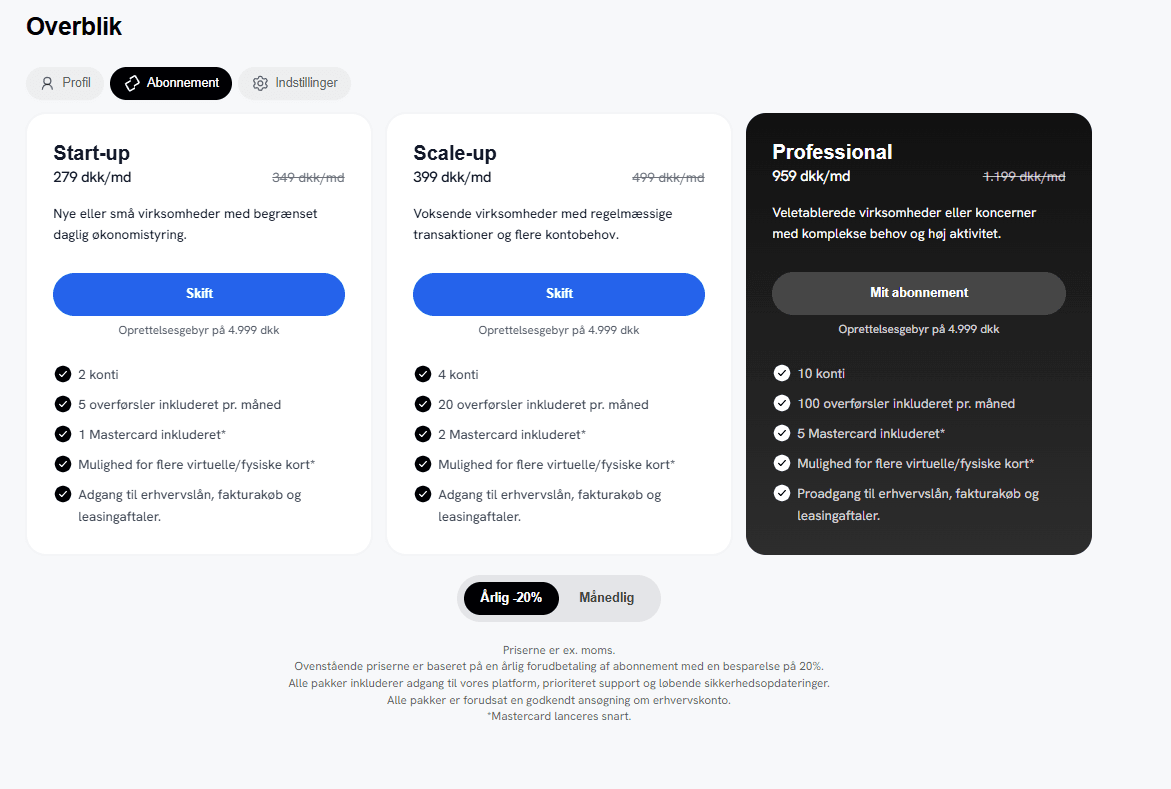
Select Subscription.
–
Your current plan is clearly marked as "My subscription."
–
Here you can also see the price and what's included in the plan.
Tip: You can also go via Overview → the "Subscription" tab.